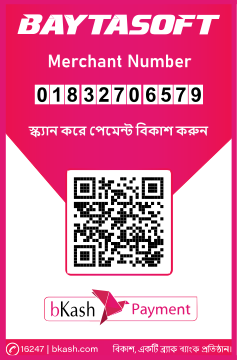
Bkash
Payment
To make payments from your bKash Account follow the steps below:
- 01. Go to your bKash Mobile Menu by dialing *247#
- 02. Choose “Payment”
- 03. Enter the Merchant bKash Account Number you want to pay to
- 04. Enter the amount you want to pay
- 05. Enter a reference* against your payment (you can mention the purpose of the transaction in one word. e.g. Bill)
- 06. Enter the Counter Number* (the salesperson at the counter will tell you the number)
- 07. Now enter your bKash Mobile Menu PIN to confirm
- Done! You will receive a confirmation message from bKash.
- *If Reference or Counter No. or both are not applicable, you can skip them by entering \0\.